

Key takeaways
- “Free” almost always means free for personal use: read the license before you sell what you cut.
- SVG and DXF are the formats to look for; a PNG or JPG only engraves, it does not cut.
- Check every free file before cutting: closed paths, no double lines, the right scale and a color per operation.
- A free file is the same for everyone; a personalized file carries your buyer’s name.
- laserkitchen’s free downloads - 1 a day with a free account - are personalized and laser ready, for personal use.
Where can you get laser cut files for free?
Five kinds of sources offer free files. They differ in quality, in formats and above all in what you may do with the result.
| Source | What you get | Typical license |
|---|---|---|
| Laser makers’ libraries (the brand of your machine) | Projects tested on their machines, with settings | Personal use; some allow selling |
| Maker communities and forums | Files shared by other makers, often with photos | Whatever the maker states, often Creative Commons |
| Design sites with a free section | Samples of paid bundles | Personal use; commercial use with a paid license |
| Open model repositories | Boxes, puzzles, tools, often as DXF | Creative Commons, from free to non-commercial |
| Generators | A file built from your settings: name, size, construction | As the generator states; laserkitchen: personal use for free downloads |
Makerspaces, schools and libraries are the answer to a related question - where can you use a laser cutter for free or cheaply: many have one, with an induction course.
What can you do with free laser files?
Usually: cut them for yourself, your home and your gifts. Not usually: sell what you cut, share the file or sell the file. The license attached to the file decides - and with no license stated, assume personal use only.
| License | You may | You may not |
|---|---|---|
| Personal use only | Cut for yourself and as gifts | Sell the products or the file |
| CC0 (public domain) | Anything, also commercially | - |
| CC BY | Use and sell, with credit to the author | Leave out the credit |
| CC BY-NC | Use with credit, not commercially | Sell the products |
| Commercial license | Sell the physical products, within its terms | Usually: share or resell the file |
Characters, logos and brand names are a separate matter: a free file of a cartoon character does not give you the right to sell it, whatever its license says. The commercial license guide goes deeper.
Which file format do you need for laser cutting?
A vector file: SVG or DXF. Vectors are lines the laser follows to cut and score; images such as PNG and JPG are grids of pixels the laser can only engrave. Laser software such as LightBurn, xTool Creative Space and the Glowforge app opens SVG; LightBurn opens DXF as well.
Laser cut files have no single name: you will find them as laser cut files, laser cutting files, laser files, cut files or vector files. More on the formats in the file formats guide.
How do you check a free file before you cut it?
Open it in your laser software and look before you press start. Five minutes of checking saves a sheet and an hour.

Check the size
An SVG saved in pixels can open at the wrong scale. Compare the size with the one the author gives, or measure a known part.
Look for open paths
A cut line that does not close leaves the part hanging in the sheet.
Look for double lines
Two lines on top of each other cut twice and burn the edge.
Check the colors
Each operation - cut, score, engrave - should have its own color, so you can give it its own settings.
Check the text
Text must be converted to shapes; live text needs the font on your computer.
Check the thickness
Slots and tabs fit only the material thickness they were drawn for.
Cut a test
Cut the smallest detail from a scrap first.
How does laserkitchen’s free download work?
A free account gives you free downloads, 1 a day, of any laser cut file. Open a file, type the name, set the size and construction, check it in 3D and download the SVG - personalized, at the size you chose, ready for your laser. Free downloads are for personal use: your home and your gifts.
- Laser ready: red lines cut, blue lines score or engrave, green lines are an optional gluing guide; the file opens at its true size in millimeters.
- In cutting order: engravings come first in the file and inner shapes before outer ones, so parts do not shift before they are done.
- Personalized: the name is part of the design, joined so nothing falls out, never a font you need to install.
- Your settings: material thickness, mount and size are in the file, so slots and stands fit your sheet.
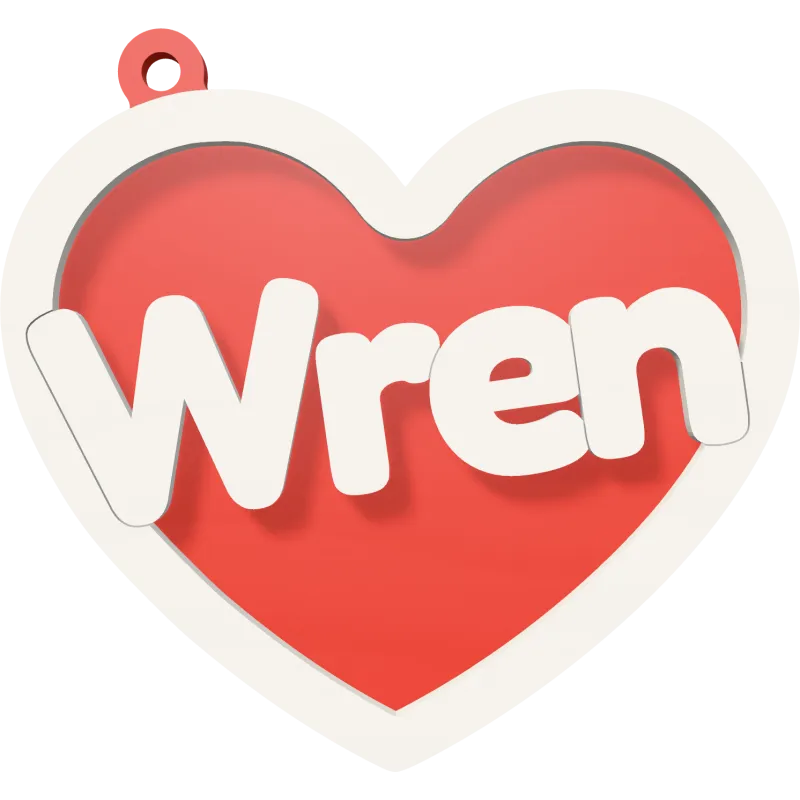
Heart Name Ornament
A heart with a big name across it.

Paw Name Sign
A paw print with your pet’s name.

Stacked Name Keychain
A name stacked letter on letter, as a keychain.

Cake Topper
Your own words on a cake topper with two spikes.

Name Puzzle
A jigsaw puzzle with a name on every piece.
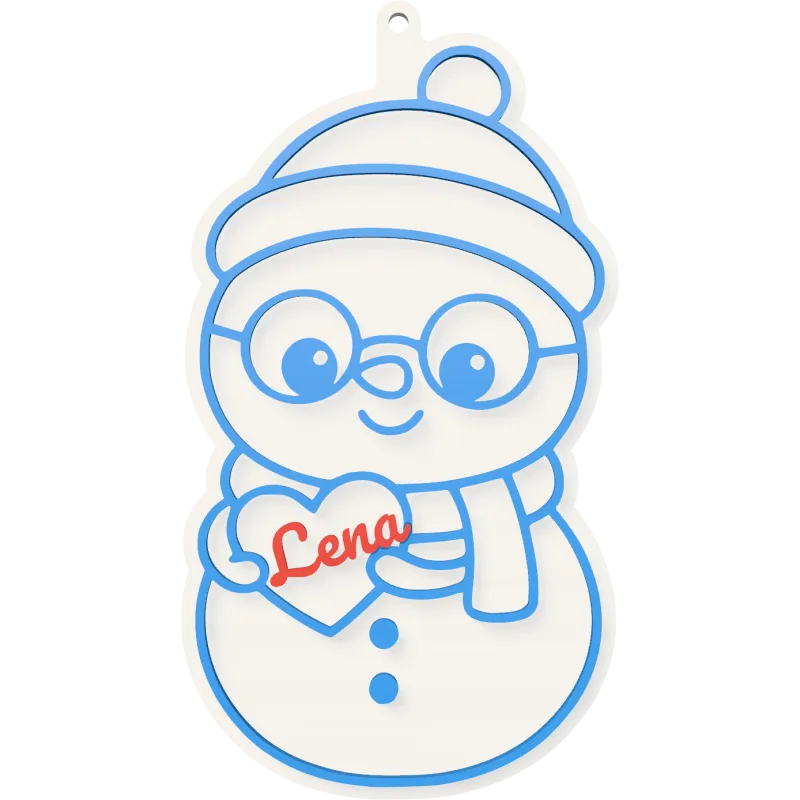
Snowman Name Sign
A snowman holding a heart with your name.
When is a free file not enough?
- When you sell what you cut: you need a commercial license - with laserkitchen, that is Unlimited.
- When you make many: a batch of up to 100 names on one sheet saves hours over one file at a time.
- When every buyer wants their own name: a static free file cannot change; a personalized file can.
Unlimited covers every file you download while subscribed with a commercial license, and products from those files stay covered after you cancel. See Free and Unlimited.
Questions
Where can I get laser cut files for free?
From the libraries of laser makers, maker communities and forums, the free sections of design sites, open model repositories and generators. A free laserkitchen account gives 1 personalized downloads a day.
Can I sell items made from free laser files?
Only if the license allows it, such as CC0, CC BY or a stated commercial license. Most free files are for personal use only.
What file do I need for laser cutting?
A vector file, usually SVG or DXF. PNG and JPG images can only be engraved, not cut.
Can I use SVG files for laser cutting?
Yes. SVG is the most common format for laser cutting and opens in LightBurn, xTool Creative Space, the Glowforge app and Inkscape.
Where can I find free DXF files for my laser cutter?
Open model repositories and maker communities share many DXF files, especially boxes and mechanical parts. Most laser software also opens SVG, which is more common for decorative files.
Where can I find free LightBurn files?
LightBurn opens SVG and DXF, so any free vector file works; a .lbrn project file is not needed. Check the colors: LightBurn puts each color on its own layer.
How do I make my own laser cut files?
Draw them in a vector program such as Inkscape or Illustrator, or personalize a ready-made design in a generator and download the SVG.
What are laser cut files called?
Laser cut files, laser cutting files, laser files, cut files or vector files. They are usually SVG or DXF.
Is the laserkitchen free download really free?
Yes: free downloads, 1 a day with a free account, for personal use. To sell what you make, you need Unlimited.


