Personalized name signs
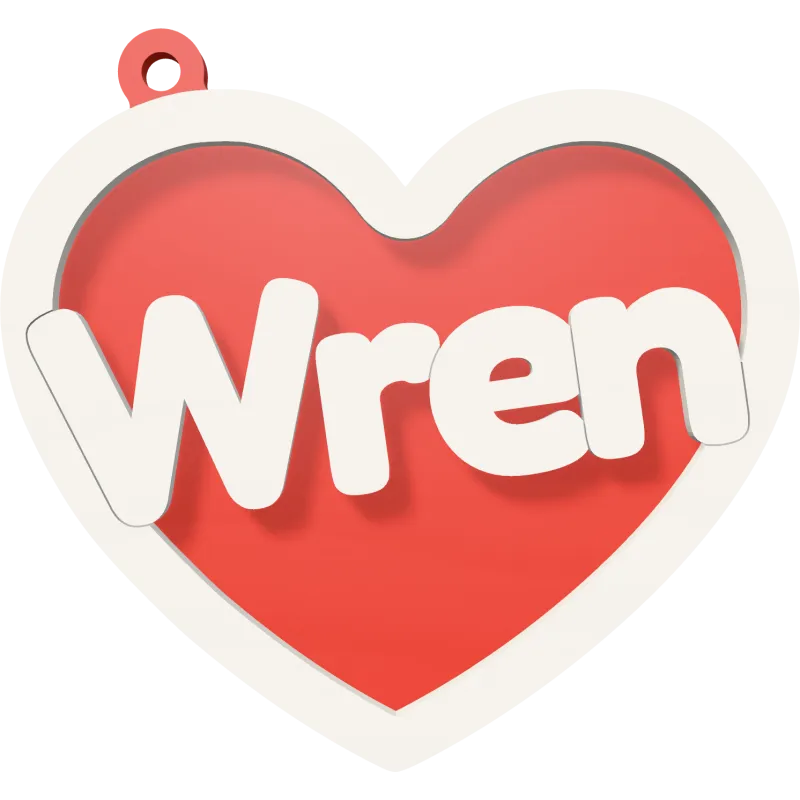
Nursery signs, door signs and wall decor with a name are evergreen best-sellers. Offer the motifs buyers love, from dinosaurs and unicorns to flowers, cats and kitchen utensils.

Cook up your next best-seller.
Type a name, see it in 3D and download your laser cut file. With a free account, 5 files a day are free. Love it? laserkitchen Unlimited lets you sell it anywhere, as often as you like. No credits, no fees per file.
Drag to turn
Every laser cut file here is made from the name you type: no template to edit, no letters to weld by hand. These are the pieces buyers look for right now.
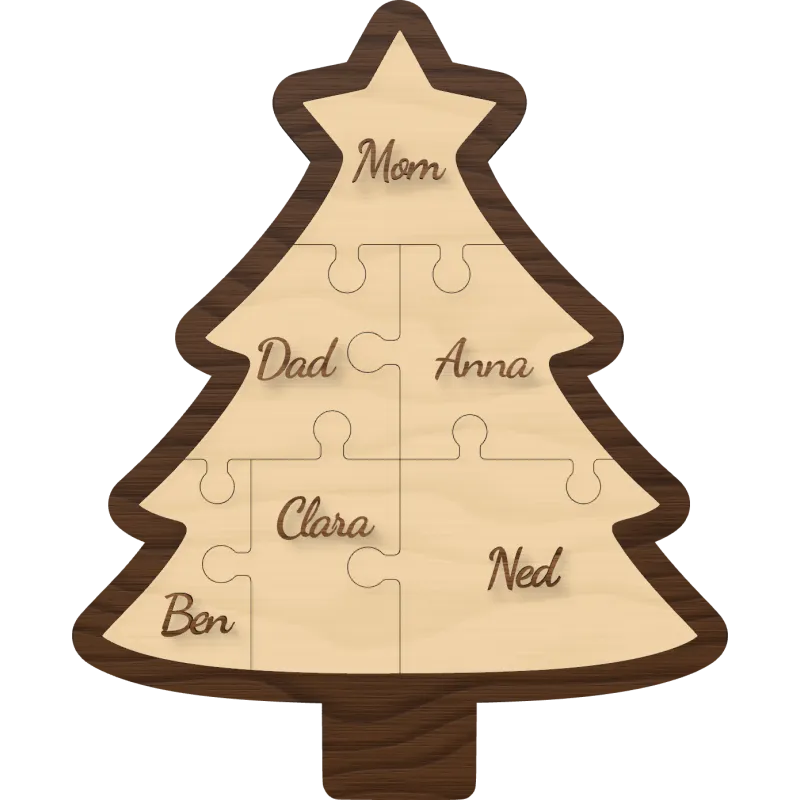
A Christmas tree jigsaw with a star on top and a name on every piece.
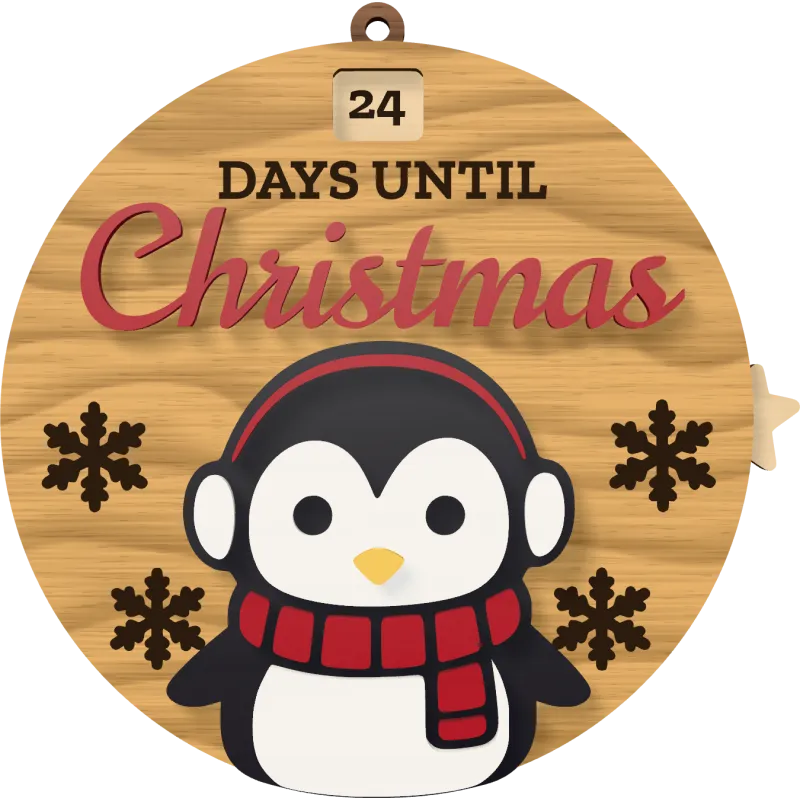
Turn the star each morning and the window shows how many days are left until Christmas.
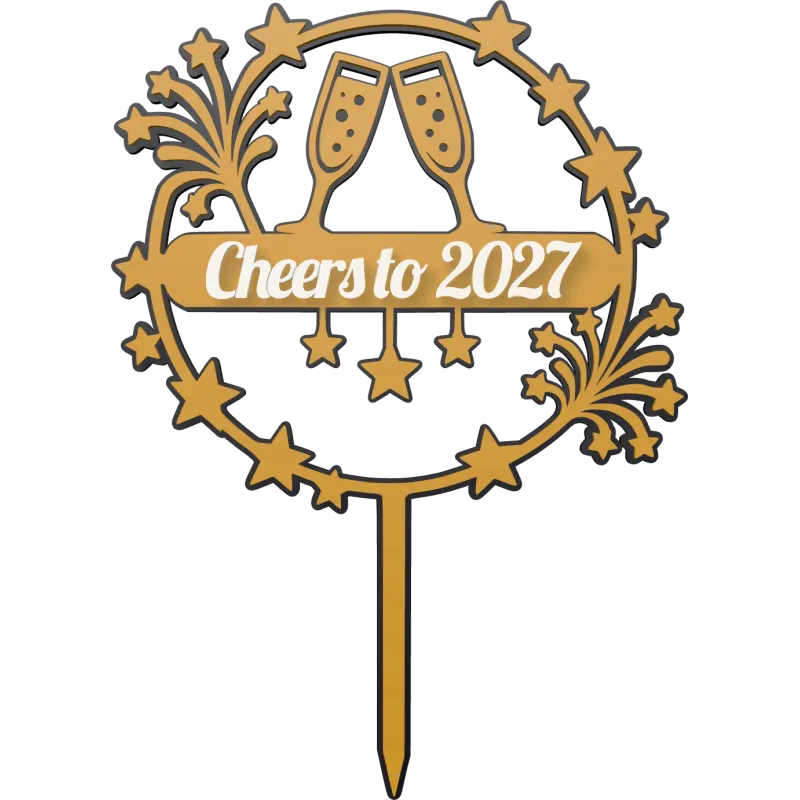
Clinking champagne glasses and stars, your words on the band.
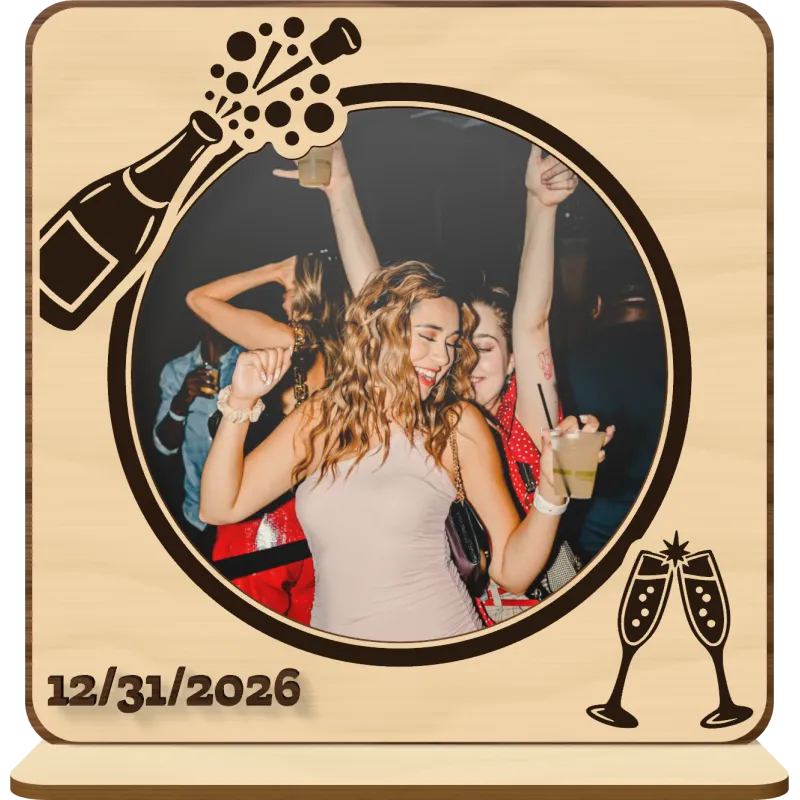
A round party photo framed by a popping bottle and two clinking flutes.
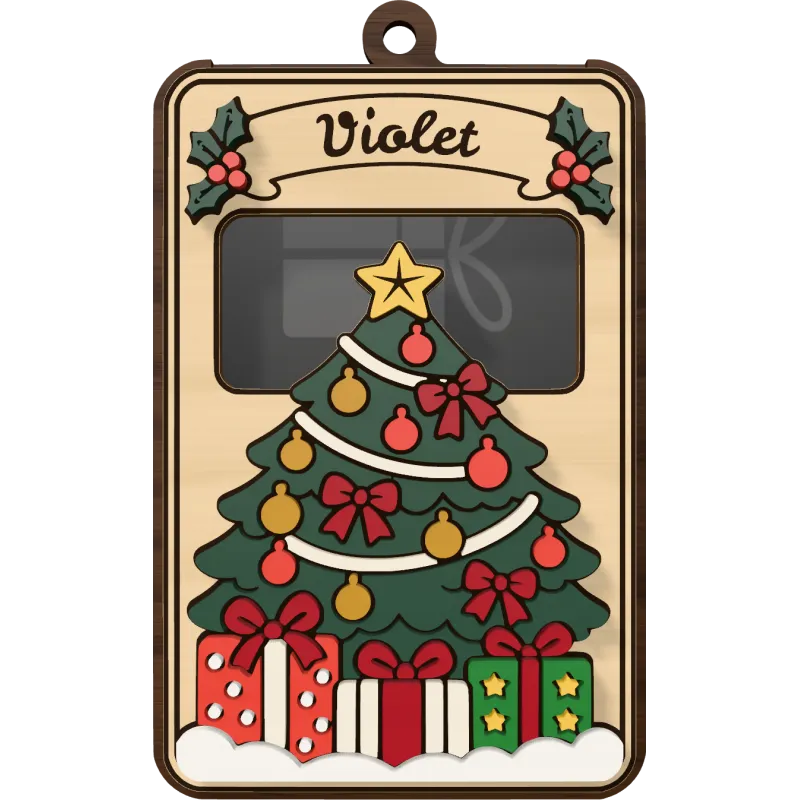
A decorated tree with presents under the card.

Choose one of 438 laser cut files: name signs, Christmas ornaments, keychains, lamps, photo frames, cake toppers and more, each drawn for the laser.

The design updates as you type. Turn it in the 3D preview, try other fonts, change the size and the construction, and see exactly what you will cut.

Get an SVG in millimeters with red cut lines and blue engraving lines, ready for LightBurn, xTool Creative Space, Glowforge or Inkscape.
A pretty file is not enough when you sell. With laserkitchen Unlimited, every file you download comes with a commercial license, so the signs, ornaments and gifts you cut from it are yours to sell.
Included with laserkitchen Unlimited
Sell the finished products on Etsy, Amazon Handmade and eBay, at craft fairs and local markets, or in your own online shop.
Cut and sell as many pieces as you like. The license counts no products and no orders.
Products from files you downloaded while subscribed stay yours to sell, also after you cancel.
Good to know
The license covers the things you make. The files themselves may not be shared, resold or offered as digital downloads.
The free downloads are for your own projects and gifts. Switch to Unlimited before you sell.
Personalized orders sell best and take the longest to design by hand. laserkitchen does the design work and fits every name, so your time goes into cutting and shipping, not into nudging letters.
Paste up to 100 names from your orders and get one file per name, or one cutting sheet with all of them.
Save a design with its fonts, size and options once. For the next order only the name changes.
Letters are joined automatically, small dots and accents are attached, and thin parts stay wide enough to cut.
Every file is drawn in millimeters at the size you set. Stands and slots are cut to fit the sheet thickness you enter.
The 3D preview shows the finished piece, layered or as one piece, so you catch a typo before it costs you material.
Unlimited covers every laser cut file, including the new ones as the collection grows.

Free laser cut files and SVG bundles are a good start, but every personalized order means editing the file by hand. laserkitchen builds the file around the name.
Long or short, the name is sized, spaced and joined to the design for you.
You don’t need Illustrator or Inkscape to make a sellable file. Open the download in your laser software and cut.
Cut and engrave lines are kept apart by color, loose insides are held by small bridges, and thin details keep a width your laser can cut.
Most designs come layered, for glued pieces in several colors, or as one connected piece with the name cut out, raised or engraved.
Looking for laser cutting ideas that sell? These are the personalized products buyers search for all year, each with laser cut files ready for your names.
Nursery signs, door signs and wall decor with a name are evergreen best-sellers. Offer the motifs buyers love, from dinosaurs and unicorns to flowers, cats and kitchen utensils.
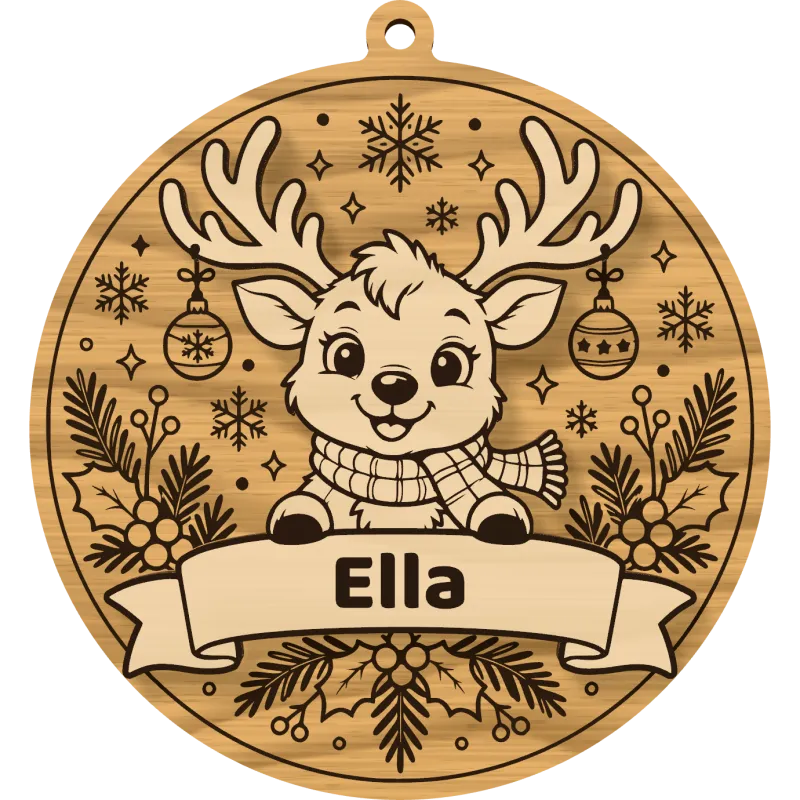
Laser cut Christmas ornaments sell from October to December: one for every family member, every pet and every new baby, and a fresh one each year.
Cake toppers, couple initials, heart frames and love lamps for weddings, engagements, anniversaries and Valentine’s Day.
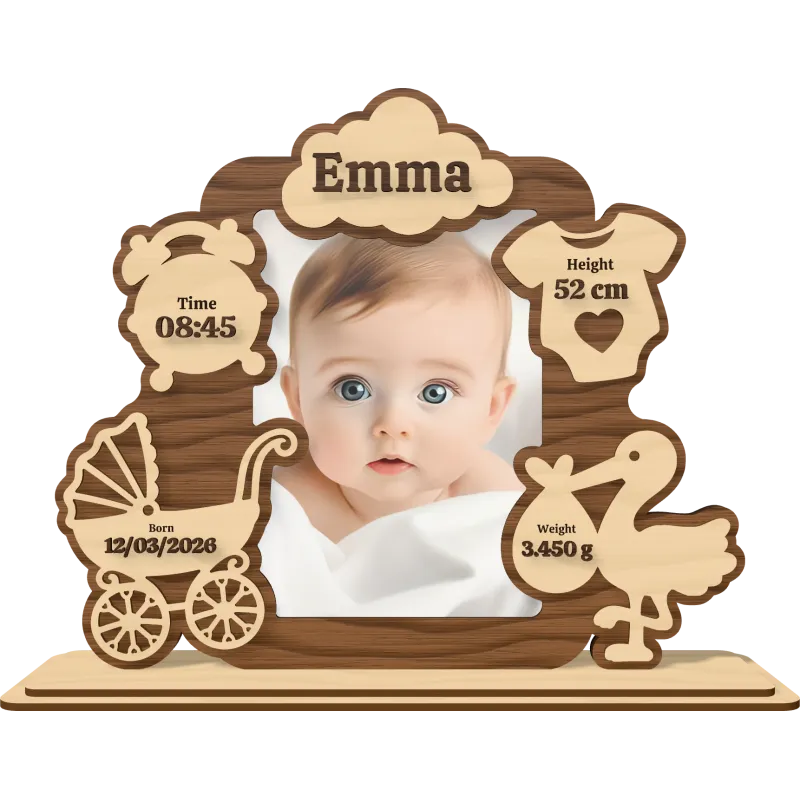
Birth announcements, baby name signs, name puzzles and family tiles that parents and grandparents order again and again.
Dog and cat names on bones, paws and peeking cats: personal pieces pet owners buy for themselves and for every friend with a pet.
Frames that hold a real photo, with a name or a date: for football teams, horse lovers, couples, graduations and new homes.
Quick to cut and light on material: keychains, LED name lamps, gift card holders and roses with a name make great add-ons and impulse buys.
Higher-ticket pieces for a bigger margin: layered city maps, initial letters with a name, split monograms and multilayer reliefs from your own artwork.
Every download is a standard SVG drawn to scale in millimeters. Red lines are cut through, blue lines are scored or engraved, and an optional green gluing guide shows where the pieces go. The files open in any software that reads SVG, such as LightBurn, xTool Creative Space, the Glowforge app or Inkscape.
The files suit CO2 and diode lasers that cut and engrave sheet material.
Designs with stands, tabs or slots take your sheet thickness, so the parts fit together.
An SVG for every laser, a PDF or AI for print drivers and Illustrator, a DXF for CAD, a PNG of the engraving alone for raster engraving, an STL to 3D print the piece, and a ZIP for a batch.


Not selling? laserkitchen is just as handy at home. Make a name sign for a nursery, an ornament for every family member or a cake topper for a birthday, and see it in 3D before you cut a single sheet.
5 free downloads a day with a free account.
A free laserkitchen account gives you 5 files a day. The full file, not a preview. Cut a name sign for your niece, an ornament for your mom, or test a design on scrap wood. Then one day a friend asks: “Can you make me one too?” That’s when Unlimited starts to pay off.
For your own projects
Make it, gift it, keep it. Any laser cut file, 5 a day, in full quality.
$0 5 downloads a day
For makers who sell
Download as often as you like, cut whole orders at once and sell what you make, wherever you like.
laserkitchen makes personalized laser cut files. You pick one of 438 laser cut files, type a name, check the piece in 3D and download an SVG that is ready for your laser cutter.
No app is needed. A free account, made in a minute, gives you 5 free downloads a day.
No. laserkitchen does the design work: it fits the name, joins the letters and separates cutting from engraving. You open the finished file in your laser software and cut.
Of course. Make a name sign for a nursery, an ornament for every family member or a cake topper for a birthday. The free downloads, 5 a day, cover occasional gifts, and Unlimited is there when you make more.
Yes, with laserkitchen Unlimited. Every file you download while subscribed comes with a commercial license: sell the signs, ornaments and gifts you cut on Etsy, Amazon Handmade, eBay, at markets or in your own shop, as many as you like.
No. The free downloads are for personal use: your own projects and gifts. To sell what you make, switch to Unlimited first.
No. The license covers the physical products you make. The files may not be shared, resold, or offered as digital downloads or as part of a bundle.
Pieces you made from files downloaded while subscribed stay covered: sell them as planned. Every new file after that is a free download again, for personal use.
Personalized products: name signs for nurseries and doors, Christmas ornaments with names, wedding cake toppers, baby keepsakes, pet name signs, photo frames and keychains. Buyers pay more for their own name, and every order is a new design you make in a minute.
Copy the names from your orders into a batch, check them in the 3D preview and download one cutting sheet. With a saved template, every order gets the same font, size and style.
$17.99 per month, $89.99 every 6 months or $159.99 per year. You can cancel anytime in your account.
Unlimited downloads of every laser cut file, batch files with up to 100 names, and the commercial license for the products you make. New laser cut files are included as the collection grows.
Yes. A free account gives you 5 downloads a day, of any laser cut file. The free files are full files, the same you get with Unlimited, for your personal projects.
One design, meaning its settings and its name, in any format. Downloading the same design again on the same day does not count again. In a batch, every name counts as one download.
Any laser whose software opens SVG files, for example LightBurn, xTool Creative Space, the Glowforge app or Inkscape. The files suit CO2 and diode lasers. Every file is drawn to size in millimeters, with cutting and engraving kept apart, so you set up your laser once.
The designs are made for sheet material such as wood, plywood, MDF and acrylic. Where parts fit together, with stands, tabs or slots, you enter your sheet thickness and the slots are cut to fit it.
An SVG for LightBurn, xTool Creative Space, the Glowforge app and Inkscape, a PDF or AI for print-driver lasers and Illustrator, a DXF for CAD and RDWorks, a PNG of the engraving alone for raster engraving, an STL to 3D print the piece, and a ZIP for a batch.
Red lines are cut through. Blue lines are scored or engraved, such as the outlines that keep a name readable on a one-piece design. Green is an optional gluing guide that shows where a piece goes.
Yes. Switch the Name section to “Batch” and paste a list with one name per line, up to 100. You get a ZIP with one file per name, or one cutting sheet with every name.
Yes. Save a design as a template with its font, size and options. For the next order you open it and only change the name.
Yes. Cut-out names are joined into one piece, the dots of an i or an umlaut are attached, loose insides are held by small bridges, and thin parts keep a width your laser can cut.
Yes. Every laser cut file has a size setting, and the file opens at exactly that size. You can also scale it in your laser software; thin parts are at least 0.047 in wide at the size you designed, so check thin script names before you cut much smaller.
Pick a laser cut file, type a name and download it for free. Switch to Unlimited when you are ready to sell.